Aug 31, 2020
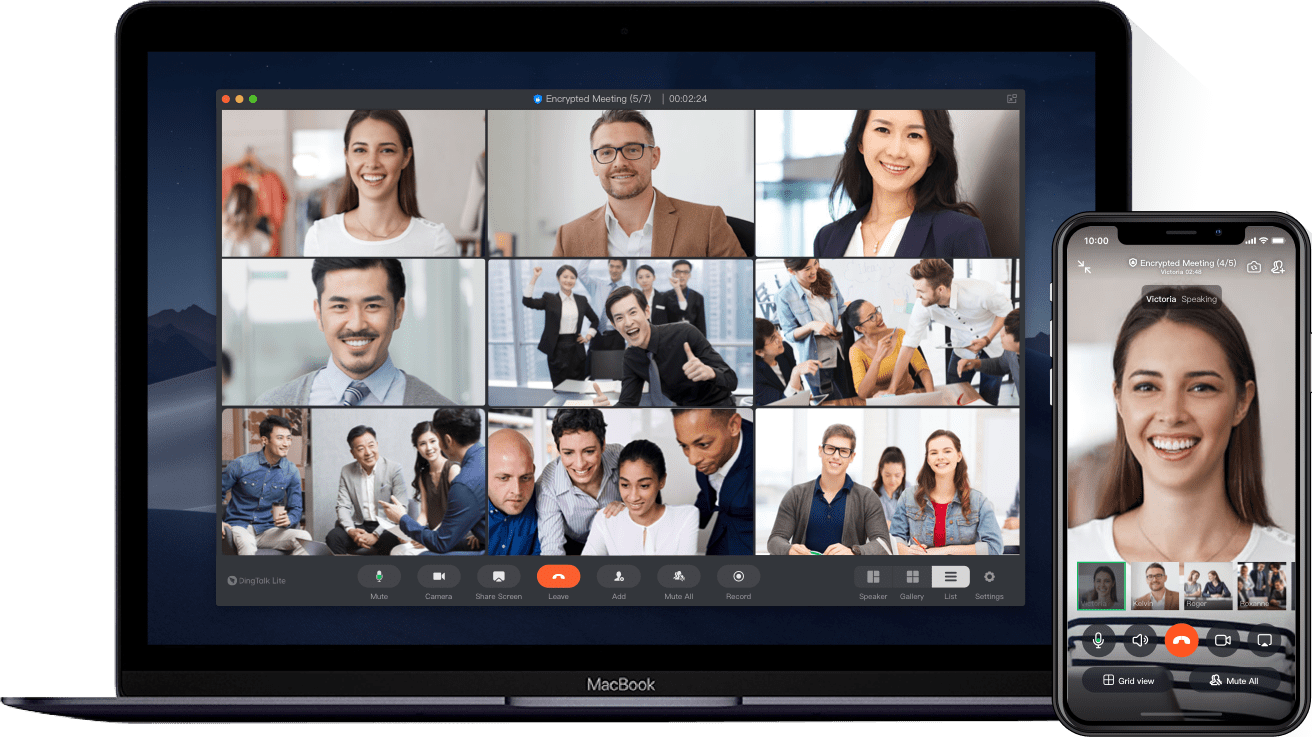
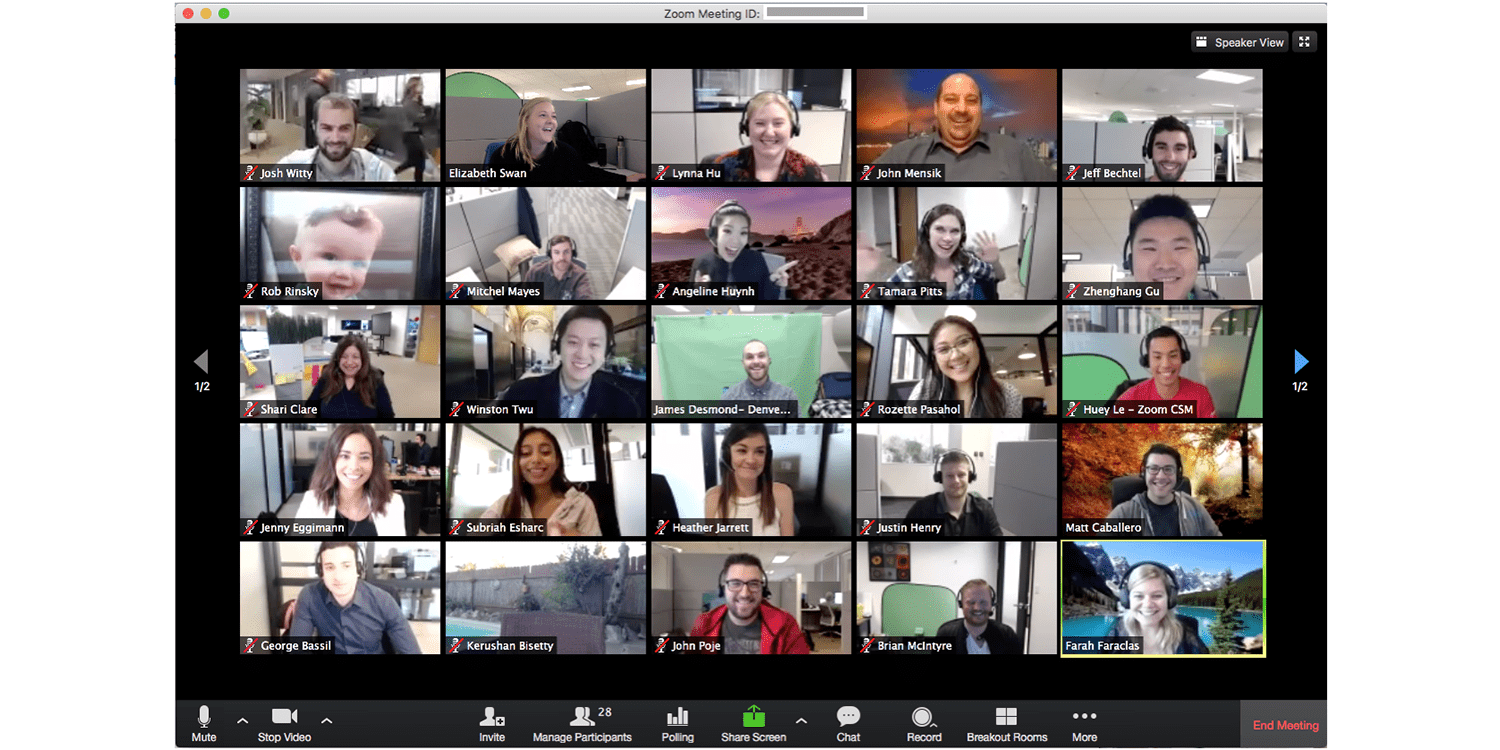
To fight the spread of COVID-19 and maintain healthy social distancing, schools have temporarily closed and quickly transitioned from on-campus to online learning. In line with this, Unesco shared 8 useful live-video platforms for distance learning.
Below is a list of the most used live-video platforms for distance learning!
Dingtalk
Dingtalk is a communication platform that supports video conferencing, task and calendar management, attendance tracking, and instant messaging.
Lark
Lark is a collaboration suite of interconnected tools that includes chat, calendar, creation and cloud storage, in Japanese, Korean, Italian and English.

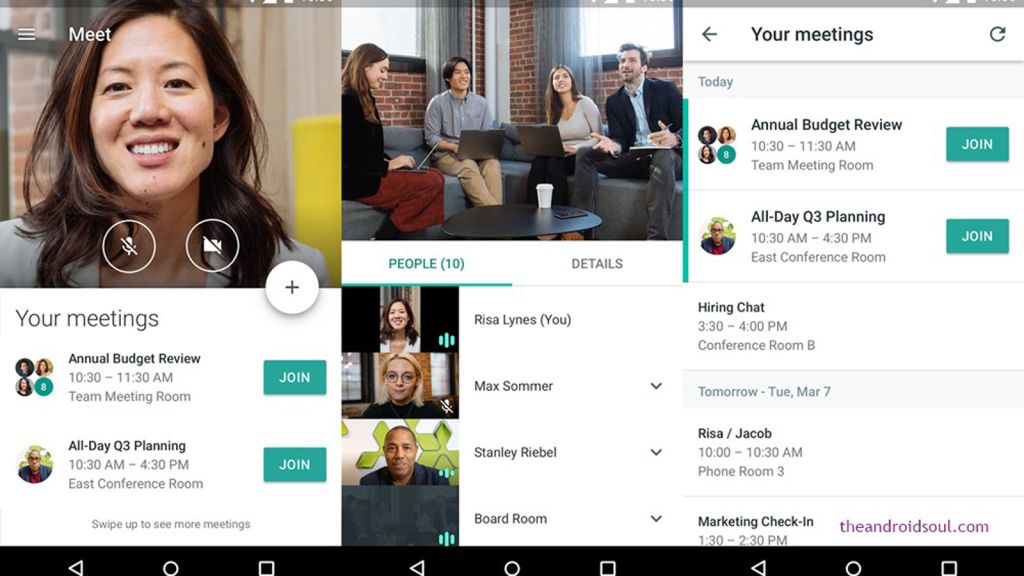
Google Meet
Google Meet is a video call platform integrated with other Google’s G-Suite tools.
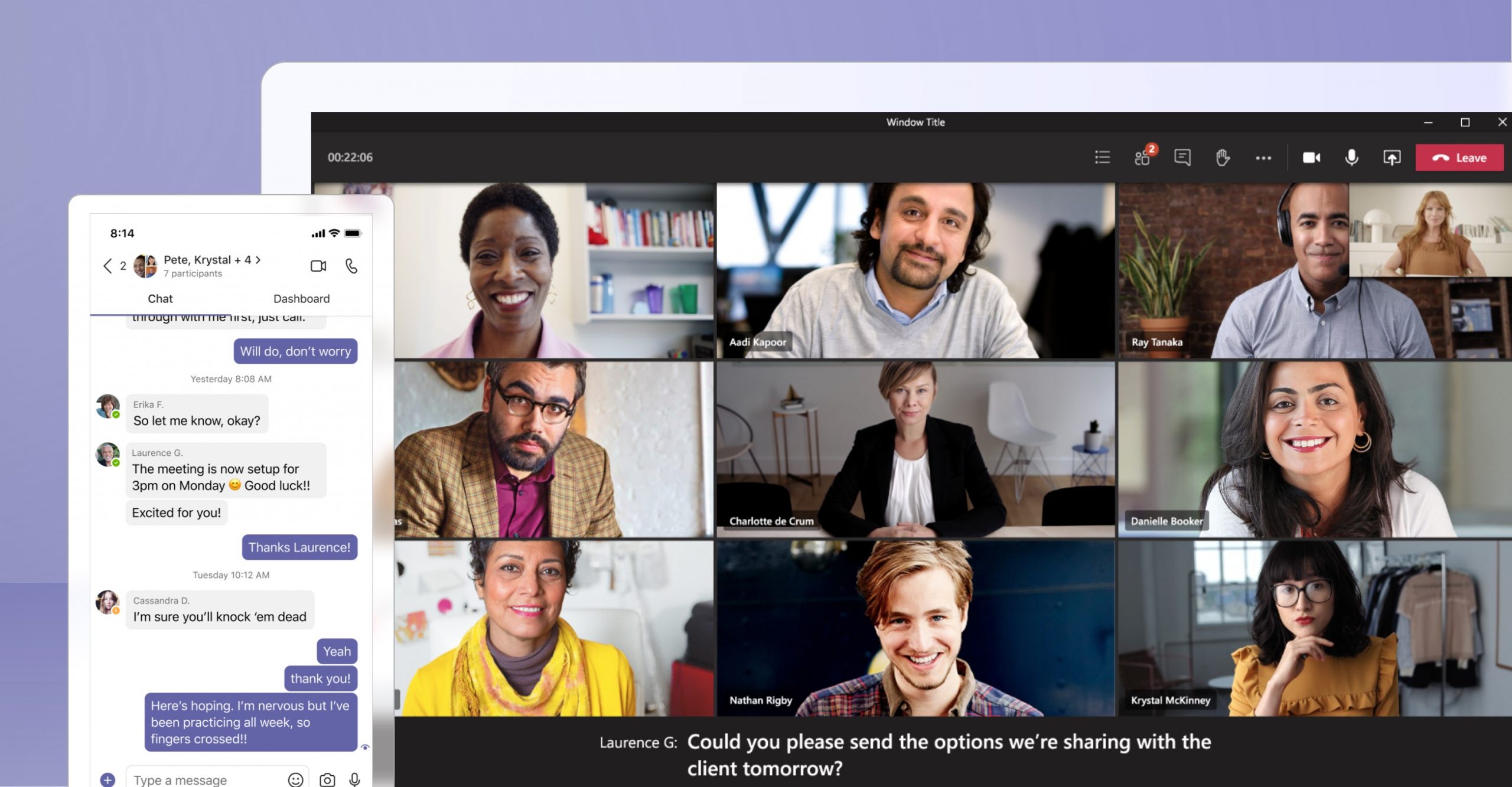
Microsoft Teams
Microsoft Teams contains chat, meetings, calls, and collaboration features integrated with Microsoft Office software.
Skype
Skype has video and audio calls, chat, and collaboration features.
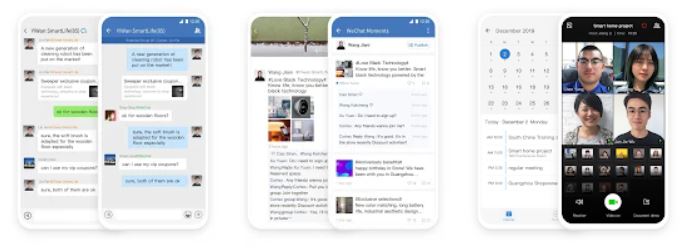
WeCom
WeCom is a messaging, content sharing, and video/audio-conferencing tool with the possibility of including max. 300 participants, available in English and Chinese.
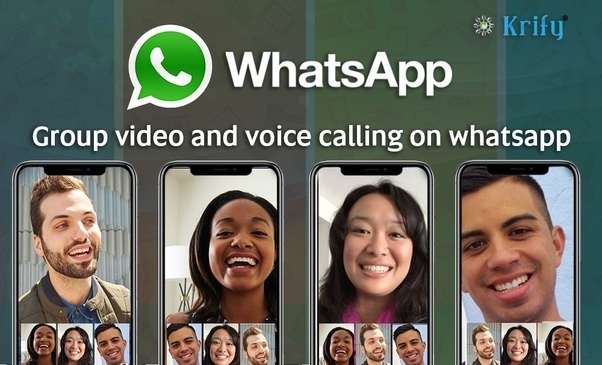
WhatsApp
WhatsApp is a mobile application with video and audio calls, messaging, and content sharing.
Zoom
Zoom is a cloud platform for video and audio conferencing, collaboration, chat, and webinars.
References
Visit our shop
Aug 30, 2020
What is AstroReality?
AstroReality’s Education solution is a technology bridge between tactile and digital to discover the space like never before!
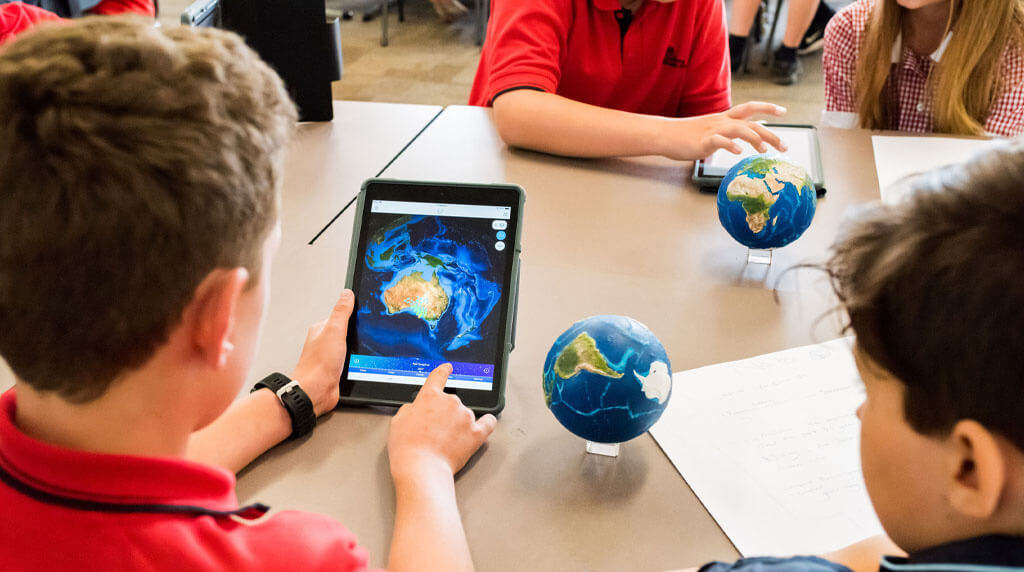
With their Solar System Mini set, students can interact and visualize the planets through the Augmented Reality technology by pointing their devices at the 3D printed planetary models.
Working with these AR replicas, students are engaged in an immersive learning process; they will see the planets come to life their location, and their rotation speed around the sun. In addition, they will have access to information and data directly from NASA and other accredited sources at the tip of their fingers.
Each planetary model is crafted and designed to utilize the highest quality renderings of the planets. It’s also precisely made with up to 0.1millimeters per pixel precision based on NASA data.
How Does this AR Solar System Mini Set Work?
Solar System Mini Demo
Get the Solar System Mini Set
Get it here:
References
Visit our shop
Aug 13, 2020
What is the AR digital aquarium?
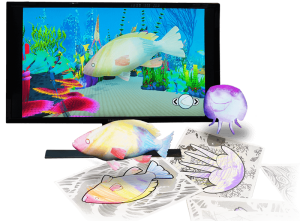
QuiverVision new AR digital aquarium environment is incredible! It’s used to link the mobile AR coloring experiences with large, shared, and public displays. Overall, it can combine different AR-colored fish with other additional features and educational elements.
When students finish coloring the sheets containing different types of fish (Star Fish, Sea Shell, Jellyfish), they can scan them using the Quiver App to magically bring their fish to life with the Augmented Reality technology. Afterward, teachers can submit all the classroom’s custom-colored sheets to the digital environment where students can watch their fish swim all together on the large screen!
This digital environment has become a quite popular product across schools, STEM Labs, events, libraries, museums, conferences, etc…
How Does This AR Coloring Digital Aquarium Work?
Download the Quiver App
Download the Quiver app from the Apple Store or Google Store.
Order Your Digital Aquarium Here!
References
Visit our shop
Jul 1, 2020
What is Kubo Robot?
KUBO Robot is a simple, intuitive solution that teaches coding for kids without a computer. It consists of a small robot on two wheels and a set of thin puzzle pieces that fit together to create programming chains and evolve the robot. These puzzles contain symbols, letters, and numbers that also allow children to learn some language skills, mathematics concepts, and music.
KUBO comes with beautifully illustrated lesson plans and task cards, as well as video tutorials and quick start guides to help educators properly integrate it into their classrooms.
How Does this Coding for Kids Tool Work?
Get The KUBO Sets
Choose from starter sets, add-on TagTile® sets, and kUBO bundles:
KUBO Coding introduces concepts of functions, loops, and subroutines.
KUBO Coding+ adds dimensions of time, distance, speed, and direction.
KUBO Coding++ introduces events, variables, and conditions.
KUBO bundles for a full coding solution.
References
Visit our shop
Jun 20, 2020
What is ANSTO AR Periodic Table?
ANSTO XR released a new AR periodic table where students learn more about its elements through the Augmented Reality technology. It reveals a world of protons, neutrons, and electrons and illustrates how useful they are to science and industry when students point their tablets at it.
The program is designed to make STEM subjects engaging and exciting for the next generation, according to the Minister for Industry, Science and Technology, Karen Andrews.
“It’s so important that we get as many children as possible studying these subjects because so many of the jobs of the future will require the skills,” said Andrews.
How to Use it?
Teachers need to simply download the free app, get the students to point their device at the ANSTO periodic poster on a wall (or the pocket poster) and instantly students can see new and engaging information about some of the most popular elements; including the arrangement of the atom and information on how the element is used in everyday life.
If you don’t have an ANSTO AR periodic table poster you can download one and print it landscape on an A3 sheet to bring the elements to life. It should be hung on a wall to maximize usability.
Download ANSTO XR
The App is available on the App Store and Play Store and is free to download.
References
Visit our shop
Jun 7, 2020
What is Respondus Lockdown Browser?
Due to the COVID-19 pandemic lockdown, several schools & universities turned to online exam tools to manage their distance exams.
Respondus Lockdown Browser is a specially designed web browser for taking online exams. It prevents students from copying, pasting, taking screen captures, using instant messaging programs, accessing other applications, or accessing other websites (unless configured to allow access to specified external sites).
How Does Respondus LockDown Browser Work?
- Assessments are displayed full-screen and cannot be minimized
- Browser menu and toolbar options are removed, except for Back, Forward, Refresh and Stop
- Prevents access to other applications including messaging, screen-sharing, virtual machines, and remote desktops
- Printing and screen capture functions are disabled
- Copying and pasting anything to or from an assessment is prevented
- Right-click menu options, function keys, keyboard shortcuts, and task switching are disabled
- An assessment cannot be exited until the student submits it for grading
- Assessments that are set up for use with LockDown Browser cannot be accessed with other browsers
Introduction to the Online Exam Tool
References
Visit our shop
May 18, 2020
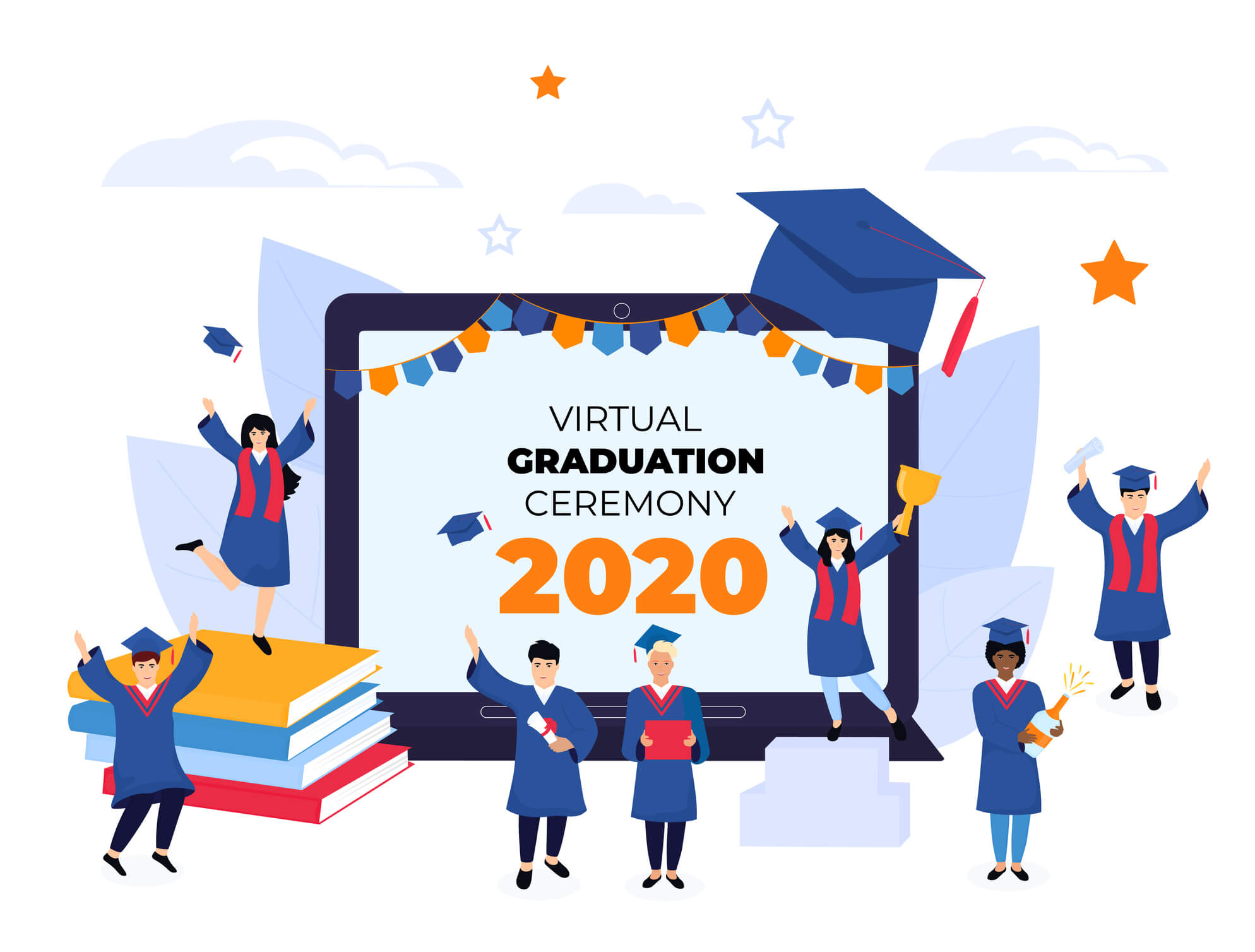
How to Host a Free Virtual Graduation Ceremony with Microsoft Teams?
Due to the COVID-19 pandemic, many students will, unfortunately, miss out on the chance to celebrate their accomplishments with a traditional graduation ceremony this year. However, a virtual graduation can still go ahead with Microsoft Teams.
From early May through July 1st, holders of a Microsoft Office 365 A1, which is free for educational institutions, will have the ability to host online live graduation with up to 20,000 attendees. A pre-recorded graduation and a celebration with “photos & videos” are also available.
Host a free virtual graduation ceremony with Microsoft Teams here:
How to Create a Virtual Graduation with Microsoft Teams Live Event?
References
Visit our shop
May 2, 2020
What is zSpace Laptop?
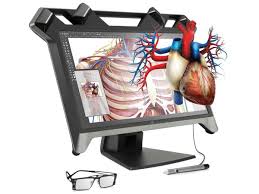
zSpace is an AR VR laptop that provides students with a new way of learning by bringing together the augmented and virtual reality technologies. Its learning methodology consists of a combination of hardware, software, and educational content where students are completely immersed in a learning experience that facilitates the building of a curriculum around it.
zSpace: AR VR laptop
zSpace laptop applications offer a realistic study environment by providing virtual-holographic images that can be “lifted” from the screen and manipulated with the stylus. Some applications also provide multi-sensory feedback; for example, students working with a virtual heart can see it pumping, hear it, and feel it beating.
zSpace: AR VR Laptop
The AR VR laptop comes with glasses that work in conjunction with its tracking system to provide users with an interactive AR/VR experience and a stylus that allows them to bring the objects out of the screen and into reality.
How to use the AR VR Laptop?
zSpace Laptop Applications
zSpace laptop offers interesting K-12 applications; some of them are listed below:
Franklin’s Lab – guides students through electricity concepts and troubleshooting faulty circuits. Students can follow guided activities and repair broken switches and motors in Workbench mode.
Euclid’s Shapes – offers activities with math manipulatives and provides teachers with a guide to math learning. Students learn with Base-10 blocks, Square Tiles, Fraction Bars, and more!
Curie’s Elements – allows students to explore a periodic table with Bohr and atomic models for each element. Students can also build elements by adding protons, neutrons, and electrons.
MEL Chemistry – provides an engaging visualization and explanation of chemistry concepts – from atoms to molecules including the periodic table, gas laws, and isomerism.
Experiences – include experiential-based simulations of Earth, Life, and Physical Science topics allowing students to manipulate content while learning abstract concepts.
Human Anatomy Atlas – is an award-winning human anatomy general reference. Students can explore human body systems, over 4,600 anatomical structures, and more!
Geogebra Classic – allows students to better engage in math concepts related to three-dimensional topics. Students can explore functions, geometry, algebra, calculus, and 3D math.
Newton’s Park – allows students to run or create their own experiments to deepen their knowledge of Newtonian Mechanics. Students can build simulations while interacting with data.
References
Visit our shop
Apr 17, 2020
As concerns around COVID-19 pandemic grew, several schools turned to Learning Management Systems (LMS) to manage their distance learning. Below is a list, shared by UNESCO, of the most used Learning Management Systems for distance learning around the world.
List of Learning Management Systems for Distance Learning
CenturyTech – addresses gaps in knowledge through personal learning pathways with micro-lessons while challenging students and promoting long-term memory retention.
ClassDojo – connects teachers with students and parents to build classroom communities.
Edmodo – manages classrooms and engages students remotely, through offering tools and resources backed with a variety of languages.
Edraak – offers online education with material and resources for school learners and teachers in Arabic.
EkStep – provides an open learning platform with a collection of learning resources to support literacy and numeracy.
Google Classroom – helps classes connect remotely, communicate, and stay organized.
Moodle – serves a community-driven and globally supported open learning platform.
Nafham – hosts an Arabic language online learning platform with educational video lessons that correspond with Egyptian and Syrian curricula.
Paper Airplanes – matches individuals with personal tutors for 12-16-week sessions conducted via video conferencing platforms.
Schoology – equips teachers with tools for instruction, learning, grading, collaboration, and assessment.
Seesaw – enables the creation of collaborative and sharable digital learning portfolios and learning resources.
Skooler – turns Microsoft Office suite into an education platform.
References
Visit our shop
Apr 10, 2020
UNESCO published 7 interesting tools for creating digital learning content to help schools switch to online teaching during the COVID-19 pandemic. Below is the list of the most used tools for creating digital learning content.
Tools for Creating Digital Learning Content
Thinglink – creates interactive images, videos, and other multimedia resources.
Buncee – supports the creation and sharing of visual representations of learning content, including media-rich lessons, reports, newsletters, and presentations.
EdPuzzle – creates video lessons.
Kaltura – creates and manages videos with integration options for various learning management systems.
Nearpod – creates lessons with informative and interactive assessment activities.
Pear Deck – facilitates the design of engaging instructional content with various integration features.
Squigl – creates content and transforms speech or text into animated videos.
References
Visit our shop
Apr 3, 2020
What is Dinosaurs 4D+?
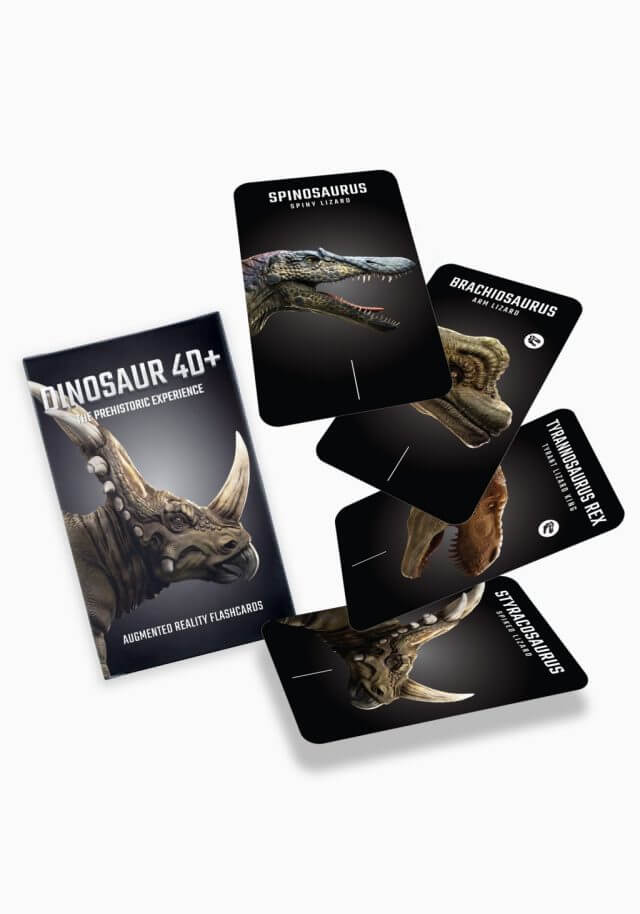
Dinosaurs 4D+ by Octagon Studio gives the learners the prehistoric experience of unleashing extinct Dinosaurs which existed millions of years ago on Earth! By downloading the Dinosaurs 4D app and pointing their mobiles or tablets on the flashcards, learners can watch the dinosaurs in 3D action and catch glimpses of the history, features, and interesting facts.
With the Dinosaurs 4D app, they can rotate, zoom in, and out the dinosaurs to see the actual details in a 360-degree view by moving the devices. They can also spot the origins of the dinosaurs from the enormous Sauropods to the tiny Compsognathus all over the globe, compare human body size with each dinosaur, tap to see them in action, and share the knowledge with others.
How Does it Work?
Instructions
1. Download Dinosaurs 4D+ App from the App Store and Play Store
2. Open the app
3. Place the card on a surface and scan it with your device’s camera
4. Input the serial number in the pop up serial box
5. After the authorization is completed, you can directly see the images come alive!
Flashcards’ Specifications
- Language: English
- Cards: 21 pieces ( 20 Dinosaur Cards + 1 Instructions Card)
- Weight: 90 grams | 0.19 lbs
- Dimension: 11.7 cm x 7.2 cm x 1.1 cm | 4.6 inch x 2.8 inch x 0.4 inch
- Paper Finish: Durable Thick Art Paper (Doff Laminated)
Dinosaurs 4D App Details
- Platform: iOS | Android
- Age: 4+
- App Size : 155,7 MB (iOS) | 60 MB (Android)
- Min OS: iOS 8.0 | Android 4.0.3 (Ice Cream Sandwich)
- Languages: English (US), English (UK), Turkish, Korean, Arabic, Persian, French, Spanish, German, Bahasa Indonesia, Italian, Dutch
Lesson Plan, Case Studies, and Brochure
- Lesson plan:
- Case studies:
- Brochure:
Get the Flashcards
Order your flashcards here: https://technologyeduc.com/product/dinosaurs-4d-flashcards/
Samples of AR Dinosaurs Flashcards
Download the Dinosaurs 4D app, scan the samples below, and enjoy the 3D experience!
References
Visit our shop
Jan 29, 2020
What is Bookful?
Bookful is an AR books for kids App that uses the augmented reality technology to bring books to life. The App merges the digital and the physical worlds to create an interactive reading experience that instils in children a passion for books.
It is an incredibly powerful reading tool that helps children better understand book content and even provides information that extends beyond its pages. It’s an App containing AR books for kids and kinesthetic learners alike. It engages their visual and auditory senses by generating enhanced interactivity with the book and additional stimuli.
How Does it Work?
Key Benefits
Bookful has transformed reading into a 3D&AR interactive learning experience.
- Educational Value: Track your child’s progress, achievements, and earned badges
- Parent-Child Bonding: Provides fun & educational family reading time
- Personalized Learning: Personalized according to interests and reading level
- Kid-Safe & Ad-Free: Easy to use, ad-free, and KidSafe certified
- Independent reading: Practice pronunciation, reading, and spelling
- Productive Screen Time: Provides high-quality and educational screen time
Skill Set
- Speech & Language
- Creativity
- Life Skills
- Movement & Self Expression
- Math
- Reading
Fun and Educational Games
Bookful is not just about books, they also offer hundreds of fun and educational games in order to enrich their user’s educational experience:
- Quiz: Answer interactive quiz questions about the books
- Spell it: Practice spelling with our adaptive spelling game
- AR Paint: Showcase creativity by painting beloved characters and see them come to life in AR
- Say it: Learn how to pronounce correctly words you learn from the books
- AR Dance: Feeling energized? Dance with your favorite character in AR
- Repeat After Me: Test your memory skills with this fun game!
Download the App
Download it from App Store or Google Play.
References
Visit our shop








 Due to the COVID-19 pandemic, many students will, unfortunately, miss out on the chance to celebrate their accomplishments with a traditional graduation ceremony this year. However, a virtual graduation can still go ahead with